
Show HN: Browserbeam – a browser API built for AI agents
Original Text
I started digging deeper and at some point I just bluntly asked in the Cursor chat the following question: "I ask you, as an LLM that uses these headless browsers, what do you wish people would build to make your work easier?"
And it worked because I expanded the "Thinking" section and I saw: "The user is asking me a really interesting meta-question ..." and after that it just listed top 10 most painful issues related to the agent<->browser interaction.
So I started building a browser API that returns what LLMs actually need, not what browsers return.
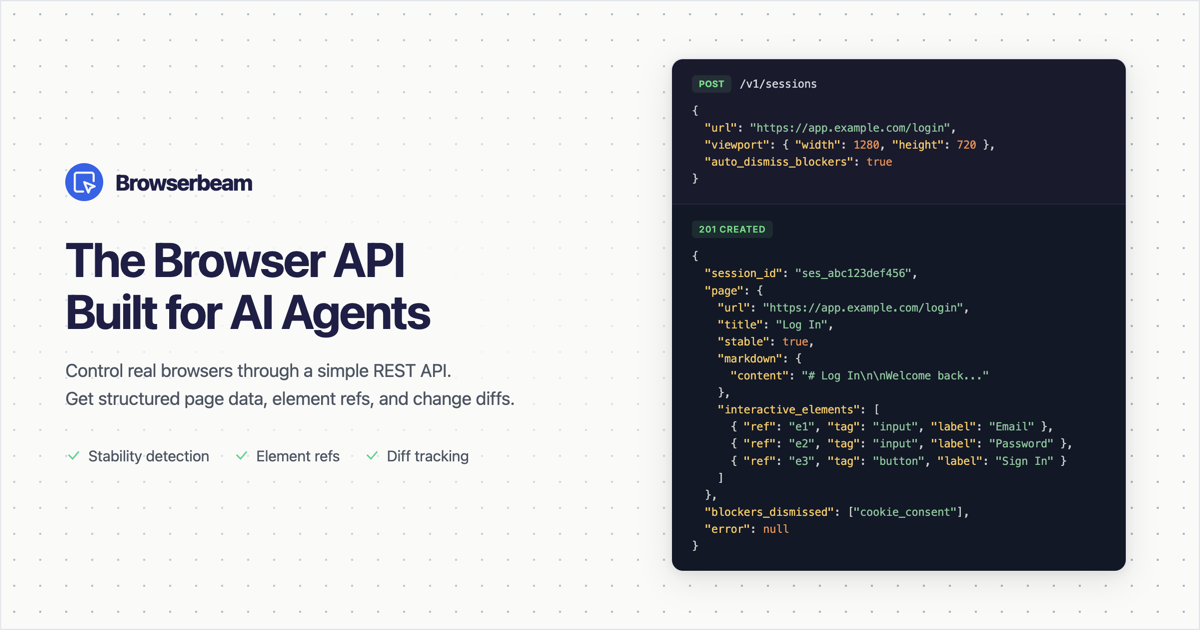
Fast forward a few weeks and here we are. A REST API built specifically to help LLMs interact with real browsers.
Instead of reading raw HTML, you get markdown, page map, short refs (e1, e2) for clicking instead of CSS selectors, a stable flag when the page is ready, diffs after each step, the list of all interactive elements (links, buttons, inputs), automatic blocker dismissal and a small extract step that returns structured JSON from a schema you describe.
Official SDKs for Python, TypeScript, Ruby. MCP server for Cursor and Claude Desktop.
Would appreciate any feedback, especially on the API design.
Comments (0 of ) ⌛